
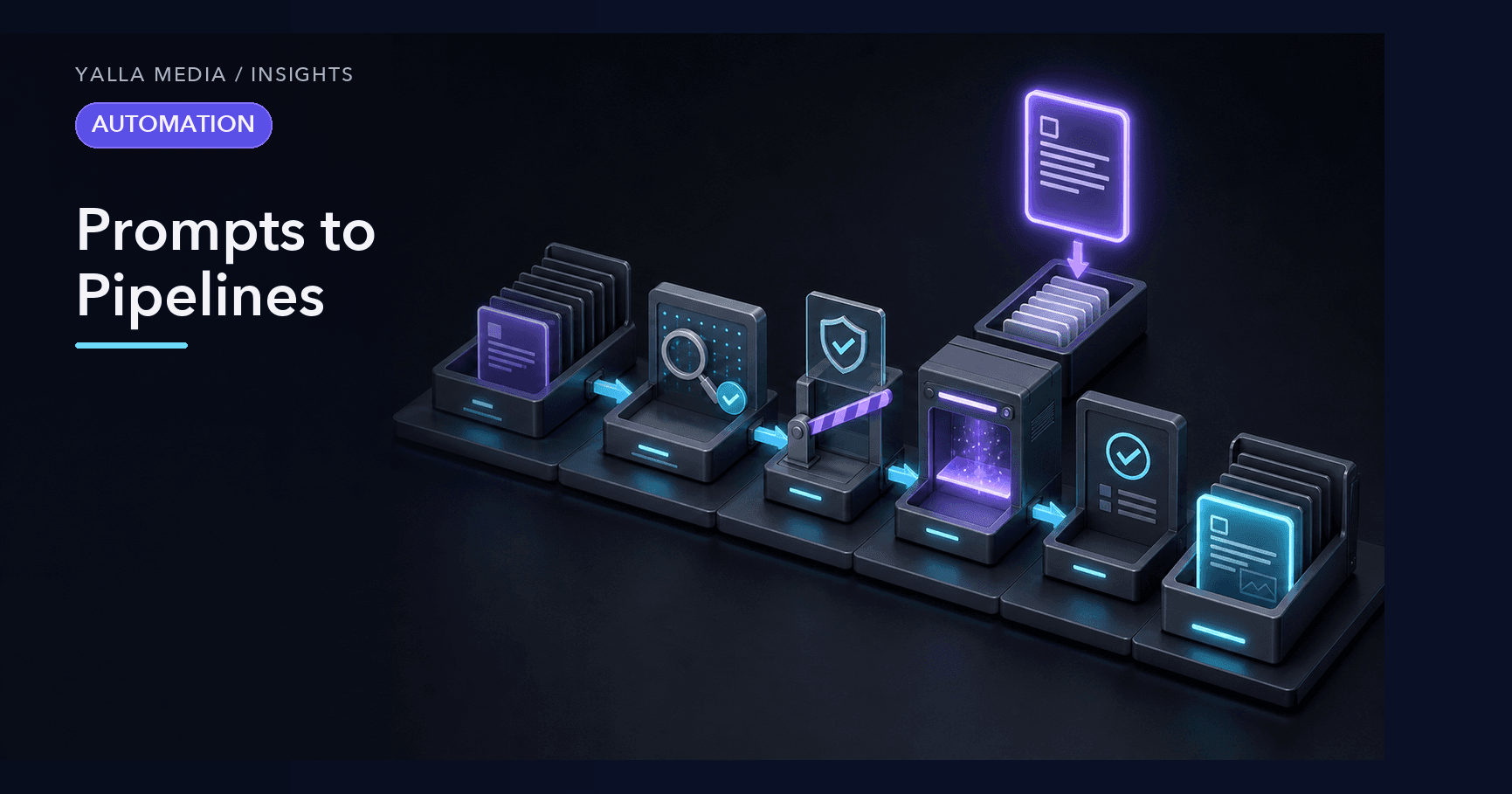
The first time a clever prompt produces a great result, it feels like a breakthrough. The second time, with a slightly different input, it produces something mediocre — and you realize the breakthrough was a magic trick, not a system. This is the gap between prompts and pipelines. A prompt is a one-off performance whose quality depends on how you happened to phrase it that day. A pipeline is a system engineered to produce the same good result every time, regardless of who runs it or when. Crossing that gap is how ad-hoc AI use becomes something a team can actually depend on.
The reason this matters is that most of the value of AI is in the repetition. A single impressive output is a demo. The same output, reliably, every day, across every input, is leverage. But reliability does not come from a better prompt — it comes from building structure around the prompt so that quality stops being a coin flip. That structure is the pipeline, and building it is a discipline anyone can learn.
Why a great prompt is not a workflow
A prompt that works beautifully in your hands is carrying a lot of hidden context: your judgment about what input to give it, your eye for when the output is off, your instinct to rerun it when it misses. Strip that away — hand the same prompt to a colleague, or run it on an input you did not anticipate — and the quality collapses. The prompt was never the whole solution; you were. A workflow is what you build to make the solution work without you.
The symptoms of living on prompts are familiar. Results vary wildly run to run. Nobody but the author can get good output. The same prompt gets rewritten from memory each time because it was never saved properly. And there is a constant low-grade anxiety, because you can never quite trust the output without checking it yourself. All of these dissolve when you build a pipeline.
Step one: codify the prompt
The first move from prompt to pipeline is to stop treating the prompt as something you type and start treating it as something you maintain. A codified prompt is written down, versioned, and reused — not retyped from memory each time with subtle variations that change the output unpredictably.
- Write it as a reusable template. Separate the stable instructions from the variable input, so the same proven instructions run against any new input.
- Encode the standards explicitly. Bake the tone, format, constraints, and rules into the prompt so they are applied every time, not remembered some of the time.
- Save it as a single source of truth. One canonical version everyone uses, so improvements accumulate instead of forking into a dozen private variants.
The moment you save and reuse a prompt instead of retyping it, you have taken the first step from a trick to a tool. Everything else builds on that.
Step two: add structure around the call
A raw prompt produces raw text, and raw text is hard to depend on. A pipeline wraps the AI call in structure — defined inputs going in and a predictable shape coming out — so the result can be used reliably by the next step or the next person.
Define the inputs
Specify what a valid input looks like and validate it before the call runs. Garbage in produces garbage out, and catching a bad input before it reaches the model is far cheaper than discovering the problem in the output. Clear input requirements also make the workflow usable by people who did not build it, because they know exactly what to provide.
Constrain the outputs
Ask for a predictable, structured output rather than free-form prose whenever the result feeds into anything downstream. A consistent shape is what lets one step hand off cleanly to the next, and what lets you check the result programmatically. The difference between text you have to read and parse by hand and a structured result you can act on automatically is the difference between a demo and a pipeline.
Step three: build in checks
The thing that stops most people from trusting AI in a real workflow is the fear of a confident mistake slipping through. The answer is not to check everything by hand forever — that defeats the purpose — but to build the checking into the pipeline so it happens automatically and only escalates to a human when it should.
- Validate the output against its expected shape. If the result does not match the structure you asked for, catch it rather than passing it downstream.
- Add guardrails for the failure modes you know about. If a fabricated figure or an out-of-bounds answer would be damaging, check for it explicitly.
- Keep a human checkpoint where the stakes are high. Automate the routine ninety percent and route the consequential ten percent to a person for a final call. That is a feature, not a failure.
You do not earn trust in a workflow by hoping it is right. You earn it by building the checks that would catch it being wrong, so that a clean run actually means something.
Step four: make it idempotent and observable
The two properties that turn a working pipeline into a dependable one are the same ones that govern all reliable automation: it should be safe to run more than once, and it should be possible to see what it did.
Safe to run twice
Assume that, eventually, the pipeline will run twice on the same input — a retry, a double-trigger, a manual rerun. Design so the second run is harmless rather than producing duplicates or corrupting state. Key each unit of work to a stable identifier, check whether something has already been done before doing it, and prefer operations that set a known end-state over ones that blindly add. Idempotency is what lets you stop watching the pipeline nervously.
Visible when it runs and when it breaks
A pipeline you cannot see is a pipeline you cannot trust. Record what ran, on what input, and what happened, with enough context to reconstruct a run afterward. Surface failures actively rather than waiting to stumble on them downstream. And make it possible to answer is it working at a glance. Observability is what changes the relationship from anxious checking to confident reliance — the system tells you when it needs you, and only then.
Step five: package it so others can run it
The final step turns a pipeline you can run into a pipeline anyone can run. Package the whole thing — the codified prompt, the input requirements, the structure, the checks — into something self-contained, clearly named, and usable without the person who built it being in the room. This is the leap from individual capability to team capability: the workflow stops depending on one person remembering the trick and becomes infrastructure the team owns.
A well-packaged pipeline has a clear name and description so people know when to reach for it, explicit inputs so they know what to provide, and predictable outputs so they know what they will get. It carries no hidden dependencies on context that lives only in the author's head. Picked up cold, it just works.
The payoff is trust
Walk through the steps — codify the prompt, add structure, build in checks, make it idempotent and observable, and package it — and what you have built is trust. Trust that the output will be good every time, not just the time it impressed you. Trust that a colleague can run it and get the same result. Trust that a retry will not break anything and a failure will not pass silently. That trust is the entire difference between AI as a party trick and AI as a dependable part of how work gets done. The prompt was the spark. The pipeline is what turns it into reliable light.